

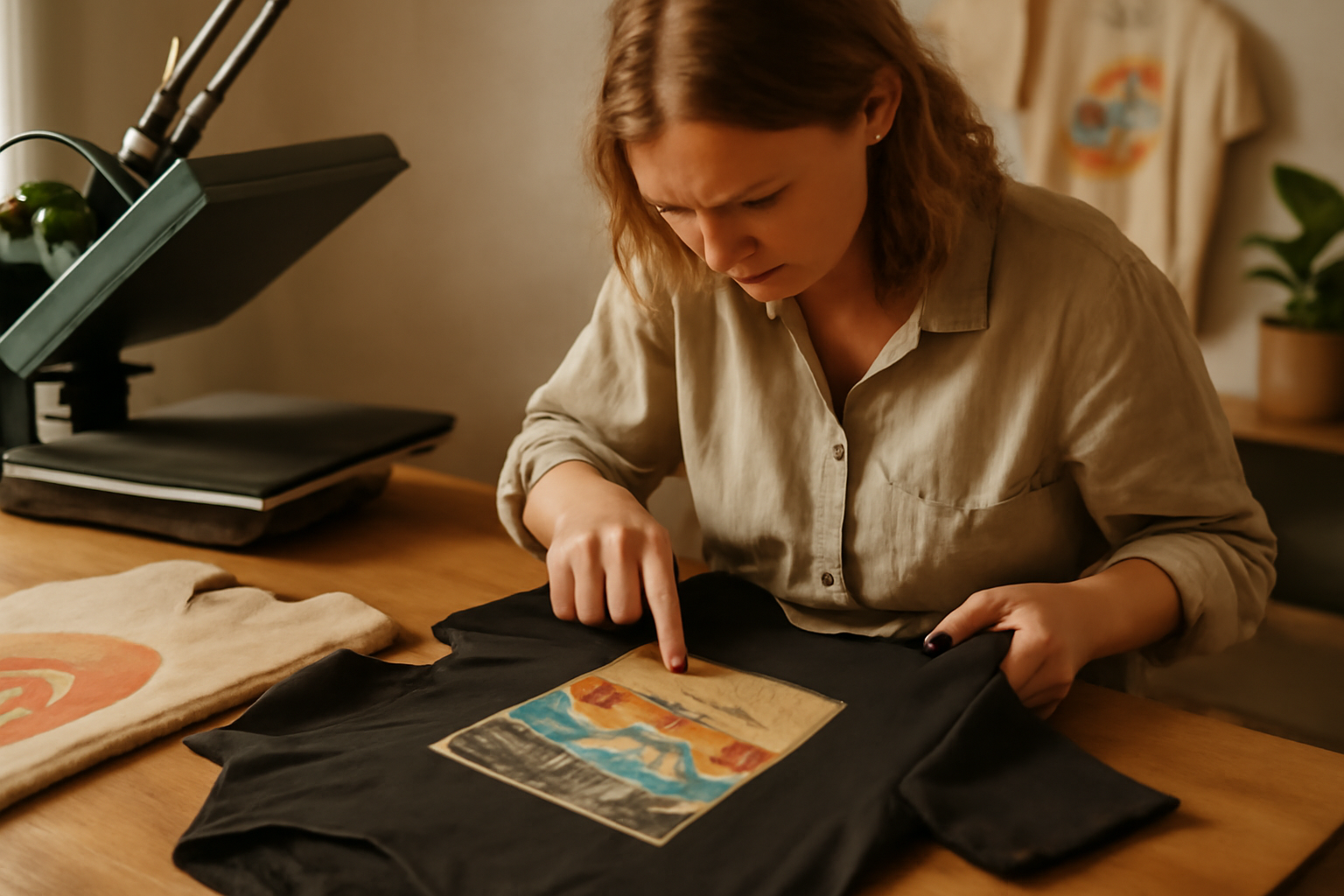
Graphic t-shirt printing can be a wonderful way to express creativity and showcase personal style. However, it's not uncommon to encounter a variety of issues during the printing process. These problems can lead to frustration and disappointment, especially when the final product doesn't meet expectations.
Understanding the common pitfalls in graphic t-shirt printing is essential for achieving the best results. This guide will help you identify symptoms, root causes, and practical solutions for fixing these issues, allowing you to enhance your graphic t-shirt design skills and enjoy the process more fully.
Table of Contents
Common Problems in Graphic T-Shirt Printing
Many issues can arise during the graphic t-shirt printing process, each with its own symptoms and causes. Here are some of the most prevalent problems you may encounter: Exploring the Diverse World of Graphic T-Shirt Styles.
1. Faded Prints
Faded prints can diminish the overall appeal of your t-shirt design. This issue often arises from using low-quality inks or improper printing techniques. artistic expression in t-shirts.
2. Poor Adhesion
If the ink doesn't adhere well to the fabric, it can lead to peeling or cracking. This problem typically stems from using incompatible materials or incorrect temperature settings during the printing process.
3. Misalignment of Designs
Misaligned graphics can ruin the look of your t-shirt. This issue can occur due to improper setup of the printing machine or movement during the printing process.
4. Ink Bleeding
Ink bleeding occurs when the ink spreads beyond the intended design area. This is often caused by using too much ink or printing on low-quality fabric.
Quick Diagnosis
To address any printing issues effectively, it's crucial to diagnose the problem quickly. Here's a quick diagnostic guide:
- Faded Prints: Check the ink quality and assess the printing method used. Ensure that the ink is fresh and suitable for the fabric type. If using water-based inks, consider the fabric's absorbency. A color test print can help determine if the ink is too diluted or if the printer settings need adjustment.
- Poor Adhesion: Test the compatibility of inks with the fabric and verify heat settings. Use a heat press to ensure that the ink adheres properly. If the ink is not sticking, try adjusting the temperature and pressure settings or switching to a different type of ink designed for the fabric you are using. Conduct a wash test to see if the print holds up after laundering.
- Misalignment: Inspect the setup of your printing equipment and the placement of your t-shirts. Make sure that the printing platens are level and that the design is positioned correctly. Use registration marks to help align the graphic accurately. A common mistake is not securing the t-shirt properly, which can lead to shifts during printing.
- Ink Bleeding: Evaluate the amount of ink used and the fabric type for suitability. Excess ink can cause bleeding, so consider reducing the ink load or using a finer mesh screen if screen printing. Additionally, choose fabrics that are less prone to bleeding, such as cotton blends, and ensure that the fabric is pre-treated if necessary.
Checklist for Quick Diagnosis
Having a checklist can streamline your diagnostic process. Here's a handy list to follow:
- Inspect ink quality and freshness.
- Verify printer settings for the specific ink type.
- Check fabric compatibility with the ink.
- Run test prints to identify issues before full production.
- Ensure proper alignment and secure placement of garments.
- Conduct wash tests to evaluate print durability.
Common Mistakes to Avoid
Being aware of common pitfalls can save time and resources. Here are key mistakes to avoid during the diagnostic process:
- Not Testing: Skipping test prints can lead to larger issues down the line. Always perform a test before printing a full batch.
- Ignoring Fabric Type: Using the wrong ink for specific fabric types can result in poor adhesion or fading. Always match the ink to the fabric.
- Overloading Ink: Using too much ink can create bleeding and smudging. Use the minimum necessary for a clear print.
- Neglecting Equipment Maintenance: Failing to keep printing equipment clean and well-maintained can lead to frequent issues. Regularly check and clean your printers and screens.
By following this quick diagnostic guide, checklist, and avoiding common mistakes, you can effectively troubleshoot and resolve graphic t-shirt printing problems, ensuring high-quality results every time.
Root Causes and Solutions
Identifying the root causes of printing problems can lead to effective solutions. Here are some common issues along with their fixes:
1. Faded Prints
The root cause of faded prints is usually linked to the quality of the ink or the printing technique. To avoid this, invest in high-quality inks designed for fabric printing. Additionally, using proper printing techniques, such as screen printing or direct-to-garment (DTG) printing, can yield better results.
2. Poor Adhesion
Poor adhesion often results from using the wrong fabric type or incorrect heat application. To fix this, ensure that you are using fabric compatible with your chosen printing method. Adjust the heat settings according to the ink manufacturer's recommendations for optimal adhesion.
3. Misalignment of Designs
Misalignment can occur due to improper setup of your printing machine. To rectify this, double-check the alignment guides and secure your t-shirt properly before printing. Using a jig can also help maintain consistent placement across multiple prints.
4. Ink Bleeding
To prevent ink bleeding, use the right amount of ink and ensure you're printing on high-quality fabrics. If you're using water-based inks, consider pre-treating the fabric to create a barrier that minimizes bleeding.
Fix It Fast
When you encounter an issue during the printing process, quick fixes can help you save time and resources. Here are a few rapid solutions:
- For Faded Prints: Apply a second layer of ink if appropriate, ensuring it's compatible with the first layer. Before doing this, check the ink manufacturer's guidelines to confirm that layering is safe. Use a light touch to avoid over-saturating the fabric, which can lead to additional issues like cracking or peeling.
- For Poor Adhesion: Re-press the design with adjusted heat settings for better adherence. Start by increasing the temperature by 5-10 degrees Fahrenheit and extending the pressing time by 5-10 seconds. Always conduct a test on a scrap piece of fabric first to ensure the new settings don't damage the material.
- For Misalignment: Quickly realign the design and reprint if only a few t-shirts are affected. Use a template or a jig to guide you in placing the design correctly. Mark the correct position on the press to ensure consistency across multiple shirts. If the misalignment is significant, consider using a fabric adhesive spray temporarily to hold the design in place before pressing.
- For Ink Bleeding: Switch to a higher-quality fabric or adjust the ink flow during printing. If you're using water-based inks, ensure that the fabric is pre-treated to minimize bleeding. You can also adjust the viscosity of the ink by adding a reducer, which can help control the flow and prevent excess ink from saturating the fabric. Additionally, consider using a lower pressure setting on the press to minimize ink transfer.
Checklist for Quick Fixes
To streamline your troubleshooting process, consider the following checklist:
- Identify the specific issue: faded prints, poor adhesion, misalignment, or ink bleeding.
- Gather necessary tools and materials: extra ink, heat press, fabric adhesive spray, and quality fabric samples.
- Test adjustments on scrap fabric before applying them to your actual designs.
- Keep a record of what fixes work for future reference.
Common Mistakes to Avoid
When attempting quick fixes, be aware of these common pitfalls:
- Rushing the process: Take your time to ensure adjustments are made correctly; hasty decisions can lead to more significant issues.
- Ignoring fabric compatibility: Always check if the inks and treatments are suitable for the specific fabric to avoid further problems.
- Neglecting to clean your equipment: Ensure that your heat press and screens are clean to prevent contamination that could cause additional printing issues.
- Forgetting to test: Always test new settings or techniques on a sample before committing to a full run.
By following these practical steps and being mindful of common mistakes, you can effectively address and resolve graphic t-shirt printing problems quickly, ensuring a smoother production process and higher quality results.
Preventive Measures for Future Printing
To minimize the risk of encountering these common problems again, implement the following preventive measures:
- Invest in high-quality inks and fabrics.
- Choose inks that are specifically designed for the fabric type you are using. For example, water-based inks work well with cotton, while plastisol inks are better for synthetic materials.
- Consider the durability and washability of the inks. Inks that fade or crack after a few washes can lead to customer dissatisfaction.
- Source fabrics from reputable suppliers who provide consistent quality. Look for certifications that guarantee the fabric's performance and sustainability.
- Regularly maintain and calibrate your printing equipment.
- Schedule routine maintenance checks based on the manufacturer's recommendations. This includes cleaning print heads, checking for wear and tear, and replacing any worn parts.
- Keep a log of maintenance activities and any issues encountered. This can help identify recurring problems and prevent future breakdowns.
- Consider investing in a maintenance contract with a professional service if you are not comfortable performing maintenance yourself.
- Conduct test prints to troubleshoot potential issues before mass production.
- Always print a sample before starting a large run. This allows you to check for color accuracy, alignment, and any potential printing defects.
- Use different fabric samples when testing to ensure that the final print meets quality standards across various materials.
- Document the settings used for successful test prints so you can replicate them in future productions.
- Educate yourself on different printing techniques and their best practices.
- Stay updated on the latest trends and technologies in t-shirt printing. Attend workshops, webinars, or industry conferences to learn from experts.
- Experiment with various printing methods, such as screen printing, direct-to-garment (DTG), and heat transfer, to understand their strengths and weaknesses.
- Join online forums or local groups where you can share experiences and learn from other printers. Networking can provide valuable insights into common challenges and solutions.
By implementing these preventive measures, you can significantly reduce the likelihood of encountering common graphic t-shirt printing problems in the future. These steps not only enhance the quality of your prints but also improve customer satisfaction and your brand's reputation.
Conclusion
Fixing common graphic t-shirt printing problems is essential for achieving high-quality results. By diagnosing issues quickly and understanding their root causes, you can implement effective solutions and preventive measures. Next time you face a printing challenge, refer back to this guide to enhance your experience and produce stunning t-shirts that reflect your artistic expression in t-shirts. Explore the Mike's Tee Place collection for some great inspiration!
Key Takeaways
- Identify the specific problem: Understanding whether the issue is with the design, material, or printing process is crucial.
- Test prints: Always perform test prints before committing to a full run to catch any potential issues early.
- Regular maintenance: Keep your printing equipment well-maintained to prevent common problems from occurring.
- Seek feedback: Don't hesitate to ask for feedback from peers or customers to identify any issues you may have overlooked.
Common Mistakes to Avoid
- Ignoring the importance of file preparation: Always ensure your designs are in the correct format and resolution to avoid printing errors.
- Neglecting the quality of materials: Using low-quality t-shirts can lead to issues such as fading and cracking.
- Skipping the pre-printing checklist: Always have a checklist to ensure all aspects of the printing process are covered before starting.
- Avoiding troubleshooting: If a problem arises, don't ignore it; take the time to troubleshoot and find a solution.
Next Steps
To further enhance your printing process, consider the following actions:
- Invest in quality materials: Choose high-quality inks and t-shirt fabrics to improve the overall outcome of your prints.
- Stay updated on printing techniques: Regularly research and learn about new printing technologies and methods to keep your skills sharp.
- Join a community: Engage with other t-shirt printing enthusiasts to share experiences, tips, and solutions to common problems.
- Document your processes: Keep a log of your printing jobs, noting any issues encountered and how they were resolved for future reference.
By taking these steps and being mindful of common pitfalls, you can significantly improve your t-shirt printing outcomes. Remember, every challenge is an opportunity to learn and refine your craft, leading to even better designs and satisfied customers. Happy printing!
