

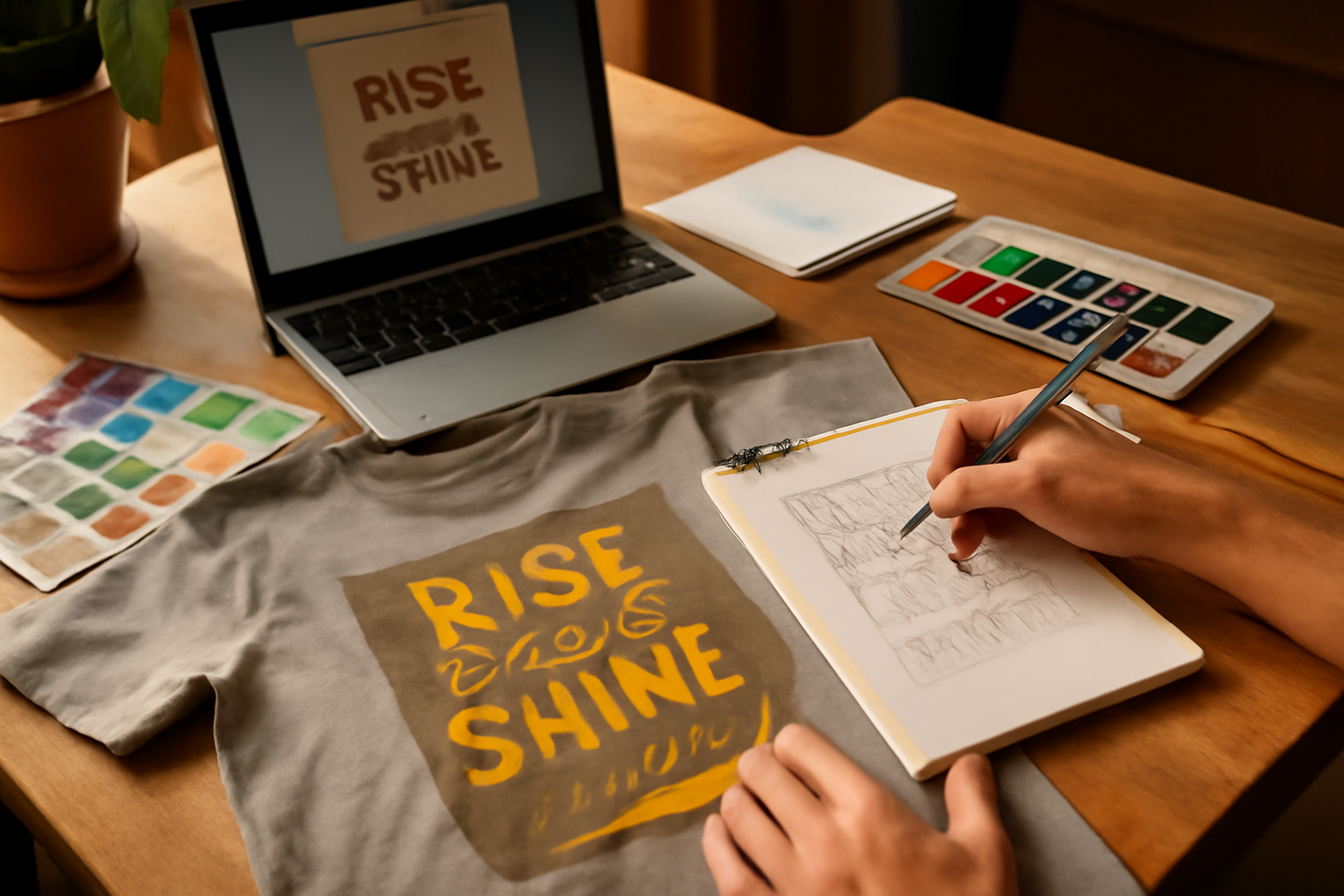
Graphic t-shirt design is an exciting and creative pursuit that can lead to unique self-expression and even a profitable venture. Whether you're a beginner looking to explore your artistic side or an experienced designer aiming to refine your skills, there are effective strategies to elevate your graphic t-shirt designs. choosing t-shirt designs.
This guide will walk you through essential steps to improve your graphic t-shirt design skills, highlighting tools, common mistakes to avoid, and a checklist to keep you on track. Let's dive into the world of t-shirt design and discover how you can enhance your creative abilities! creative t-shirt concepts.
Table of Contents
Step 1: Understanding Design Principles
Before starting any design, it's crucial to grasp fundamental design principles. These include balance, contrast, alignment, and repetition. Understanding these concepts will help you create visually appealing designs. Exploring the Diverse World of Graphic T-Shirt Styles.
Balance
Balance refers to the distribution of elements in your design. Aim for a visual equilibrium that guides the viewer's eye smoothly across the shirt. This can be achieved through symmetrical or asymmetrical arrangements.
Contrast
Using contrasting colors or shapes can make your designs stand out. Consider how light and dark colors work together or how different textures can create visual interest.
Alignment and Repetition
Alignment ensures that your design flows logically, while repetition can reinforce a theme or style. Both elements contribute to a cohesive look that enhances the overall design.
Step 2: Exploring Design Tools
Investing in the right design tools can significantly enhance your workflow and creativity. Here are some popular tools that can help you create stunning graphic t-shirt designs:
Graphic Design Software
Software like Adobe Illustrator, CorelDRAW, and Affinity Designer are industry standards for creating vector graphics. They offer extensive features for precision and scalability, which are essential for t-shirt designs.
Online Design Platforms
If you're looking for user-friendly options, platforms like Canva and Placeit provide templates that can be customized easily. These are great for beginners who want to get started without overwhelming technical details.
Mockup Generators
Using mockup generators can help visualize how your design will look on an actual t-shirt. This is crucial for evaluating your work and making necessary adjustments before finalizing your design.
Step 3: Practicing Your Skills
Practice is vital to improving your graphic t-shirt design skills. Here are some methods to enhance your practice routine:
Daily Sketching
Set aside time daily for sketching ideas. This helps stimulate creativity and allows you to explore different styles and concepts without the pressure of creating a final product.
Redesign Existing Graphics
Choose existing t-shirt designs and try to redesign them in your style. This exercise will help you understand various design elements and how they can be improved or altered.
Join Design Challenges
Participate in online design challenges and competitions. These can provide structure, deadlines, and feedback from other designers, which can accelerate your learning process.
Step 4: Seeking Feedback
Feedback is invaluable in the design process. Here are ways to gather constructive criticism effectively:
Engage with Online Communities
Join graphic design forums or social media groups where you can share your work and receive feedback. Engaging with fellow designers can provide insights that you might not have considered. Here are some practical steps to effectively engage with these communities:
- Choose the Right Platforms: Look for platforms like Behance, Dribbble, or Reddit's design subreddits. Each community has its own culture, so select one that aligns with your design style and goals.
- Be Active: Don't just post your designs; engage with others' work too. Commenting on others' designs can lead to reciprocal feedback and build relationships.
- Be Specific in Your Requests: When asking for feedback, specify what aspects you want critique on, such as color choices, composition, or typography. This helps others provide focused and useful insights.
- Maintain an Open Mind: Remember that feedback is subjective. Take it as constructive criticism rather than personal attacks. Use it to enhance your skills.
Request Feedback from Peers
Share your designs with friends or fellow creators you trust. Their perspectives can highlight strengths and areas for improvement that you may overlook. Here's how to effectively gather feedback from peers:
- Choose the Right People: Select peers who understand design principles or have a keen eye for aesthetics. Their feedback will be more valuable than that of someone less familiar with design.
- Set Up a Feedback Session: Organize a casual meeting where you can present your designs. This can be done in person or through video calls. Presenting your work allows for real-time feedback and discussion.
- Ask Open-Ended Questions: Instead of yes or no questions, ask open-ended ones like, "What emotions does this design evoke for you?" or "What would you change if this were your project?" This encourages deeper analysis.
- Provide Context: Share the goals and target audience of your design. This helps your peers understand the context and provide feedback that aligns with your vision.
- Follow Up: After receiving feedback, thank your peers and let them know how you plan to incorporate their suggestions. This fosters a culture of constructive dialogue and encourages ongoing support.
Utilize Design Critique Tools
There are several online tools and platforms that facilitate design critiques. These can provide structured feedback and help you identify areas for improvement:
- Feedback Platforms: Websites like Concept Feedback or Designer Hangout allow you to upload your designs and receive structured critiques from a community of designers.
- Surveys and Polls: Create surveys using tools like Google Forms or SurveyMonkey to gather feedback from a wider audience. Ask specific questions about various design elements to get quantitative data.
- Use Mockup Tools: Tools like Placeit or Smartmockups can help you showcase your designs in realistic settings. Share these mockups for feedback on how your designs work in real-world applications.
Learn from Constructive Criticism
Receiving feedback is only half the process; the other half is learning from it. Here are steps to effectively integrate feedback into your design practice:
- Document Feedback: Keep a record of the feedback you receive. This could be in a dedicated notebook or a digital document. Over time, you'll see patterns in the critiques that can guide your growth.
- Prioritize Changes: Not all feedback will be equally important. Prioritize which critiques will have the most significant impact on your design and focus on those first.
- Iterate on Designs: Use the feedback to make revisions and create new iterations of your designs. Show your peers the changes you made based on their suggestions, which can lead to further insights.
- Reflect on Feedback: After implementing changes, take time to reflect on how the feedback improved your design. This reflection will help you internalize the learning process and apply it to future projects.
Step 5: Learning from Others
Studying the work of established designers can inspire and inform your own designs. Here's how to learn effectively from others:
Analyze Successful Designs
Look at popular graphic t-shirt designs and analyze what makes them successful. Consider elements such as color schemes, typography, and layout. This analysis can spark ideas for your own work.
Follow Design Tutorials
Utilize online tutorials and courses to learn new techniques. Websites like Skillshare and YouTube offer a wealth of resources tailored to various skill levels, helping you continuously improve.
Step 6: Building a Portfolio
As you develop your skills, it's essential to showcase your work. A strong portfolio can help you track your progress and present your skills to potential clients or employers. Here's how to build an effective portfolio:
Select Your Best Work
Choose designs that represent your best work and illustrate your range as a designer. Aim for quality over quantity to leave a lasting impression.
Create a Digital Portfolio
Using platforms like Behance or Adobe Portfolio can help you showcase your designs professionally. Ensure that your portfolio is easy to navigate and visually appealing.
Common Mistakes to Avoid
Even experienced designers can make mistakes. Here are some common pitfalls to watch out for:
Ignoring the Target Audience
Always keep your target audience in mind. Designs that resonate with their preferences will be more successful. Research trends and themes that appeal to your demographic.
Overcomplicating Designs
Less is often more in graphic design. Avoid cluttering your designs with too many elements, which can confuse the viewer. Aim for simplicity that communicates your message effectively.
Neglecting Quality Control
Always double-check your designs for errors before finalizing them. Typos or design inconsistencies can detract from your professionalism and credibility.
Checklist for Improvement
To help you stay focused on your journey to improve your graphic t-shirt design skills, here's a simple checklist:
- Understand basic design principles (balance, contrast, alignment, repetition).
- Balance: Ensure your design feels stable. Use symmetrical or asymmetrical balance to create visual interest.
- Contrast: Use contrasting colors, shapes, or sizes to make elements stand out. For example, a bright graphic on a dark shirt can draw attention.
- Alignment: Keep elements aligned to create a clean, organized look. Use grids or guides in your design software to help with alignment.
- Repetition: Repeat elements (like colors or shapes) to create a cohesive design. This can help establish a brand identity.
- Explore and choose design tools that fit your needs.
- Consider software like Adobe Illustrator for vector graphics or Canva for user-friendly templates.
- Experiment with free tools like GIMP or Inkscape to find what works best for your style.
- Look into online resources and communities for tutorials specific to the tools you choose.
- Practice daily through sketching and redesigning.
- Set aside at least 30 minutes each day for sketching new ideas or redesigning existing concepts.
- Challenge yourself with prompts, such as redesigning a popular logo or creating a t-shirt for a fictional event.
- Keep a sketchbook or digital folder to track your progress and revisit ideas.
- Seek constructive feedback regularly.
- Join design forums or social media groups where you can share your work and receive feedback from peers.
- Ask specific questions about your designs to get targeted advice on areas for improvement.
- Consider organizing a critique session with fellow designers to gain diverse perspectives.
- Learn from established designers and tutorials.
- Follow designers on social media platforms to see their work and gain inspiration.
- Enroll in online courses or workshops that focus on t-shirt design and graphic design fundamentals.
- Watch tutorial videos on platforms like YouTube to learn new techniques and tips.
- Build a professional portfolio with your best work.
- Select your strongest designs that showcase your skills and personal style.
- Organize your portfolio by themes or styles to make it easy for potential clients to navigate.
- Consider creating a digital portfolio website to reach a wider audience and showcase your work professionally.
- Avoid common mistakes that can hinder your progress.
- Don't ignore the importance of research. Understand your target audience and market trends before designing.
- Avoid overcomplicating your designs. Simplicity often leads to stronger visuals.
- Be cautious with typography; ensure it's legible and complements your design rather than overpowering it.
- Don't rush the revision process. Take time to refine your designs based on feedback and personal reflection.
Conclusion: Take the Next Step
Improving your graphic t-shirt design skills is a rewarding journey that involves understanding principles, practicing consistently, and learning from others. Start by dedicating time to sketching and exploring design tools today. With each step you take, you'll come closer to mastering your craft and creating exceptional designs that will resonate with your audience, like those found in the Mike's Tee Place collection. Remember to keep your expressive t-shirt choices fresh and relevant, and most importantly, enjoy the creative process!
Actionable Steps to Enhance Your Skills
To effectively improve your graphic t-shirt design skills, consider the following steps:
- Set Clear Goals: Define what you want to achieve with your designs. Are you looking to create a specific style, reach a certain audience, or learn new software? Setting clear goals will help you stay focused.
- Create a Design Schedule: Dedicate specific times each week for designing. Consistency is key. Whether it's an hour a day or a few hours on the weekend, make it a habit.
- Study Design Principles: Familiarize yourself with basic design principles such as balance, contrast, and color theory. Resources like online courses or design books can be very helpful.
- Practice Sketching: Regularly sketch your ideas. This can be done with traditional tools or digital tablets. The more you sketch, the better your concepts will develop.
- Utilize Design Software: Learn to use graphic design software like Adobe Illustrator or Canva. There are numerous tutorials available online that can help you get started.
- Seek Feedback: Share your designs with friends, family, or online communities. Constructive criticism can provide valuable insights that you might not see on your own.
- Experiment: Don't be afraid to try new styles or techniques. Experimenting with different elements can lead to unique designs that stand out.
- Analyze Successful Designs: Look at popular t-shirt designs to understand what makes them appealing. Take notes on color choices, typography, and layout.
Common Mistakes to Avoid
As you improve your skills, be mindful of these common mistakes:
- Ignoring the Target Audience: Always consider who will wear your designs. Tailoring your designs to your audience's preferences can significantly impact their appeal.
- Overcomplicating Designs: Simplicity often wins. Avoid cluttering your designs with too many elements, which can detract from the main message.
- Neglecting Quality: Ensure your designs are high resolution and suitable for printing. Low-quality designs can lead to poor results on t-shirts.
- Not Keeping Up with Trends: Stay updated on current design trends and popular themes in the t-shirt market. This will help keep your designs relevant.
- Failing to Protect Your Work: If you create unique designs, consider copyrighting them to protect your intellectual property.
Resources for Continued Learning
To further enhance your skills, explore these resources:
- Online Courses: Websites like Skillshare or Udemy offer courses specifically on graphic design and t-shirt design.
- Design Blogs: Follow blogs dedicated to graphic design for tips, inspiration, and trends.
- Social Media Groups: Join Facebook groups or Reddit communities focused on graphic design to connect with other designers.
- YouTube Tutorials: There are countless free tutorials available on YouTube that cover various aspects of graphic design.
With each step you take, you'll build confidence and skill in your graphic t-shirt design journey. Embrace the process, stay curious, and watch your creativity flourish!
